Off 2
Your offline flight companion — a NASA-imagery 3D globe, real-time ETA, airport details, and day/night crossings without internet.
- Offline flight tracking on a NASA Blue Marble 3D globe — no internet required at any point
- An arrival estimate modelled on the whole flight and calibrated against real flown routes
- Available on iPhone, iPad, Mac, Apple Vision Pro, and Apple Watch
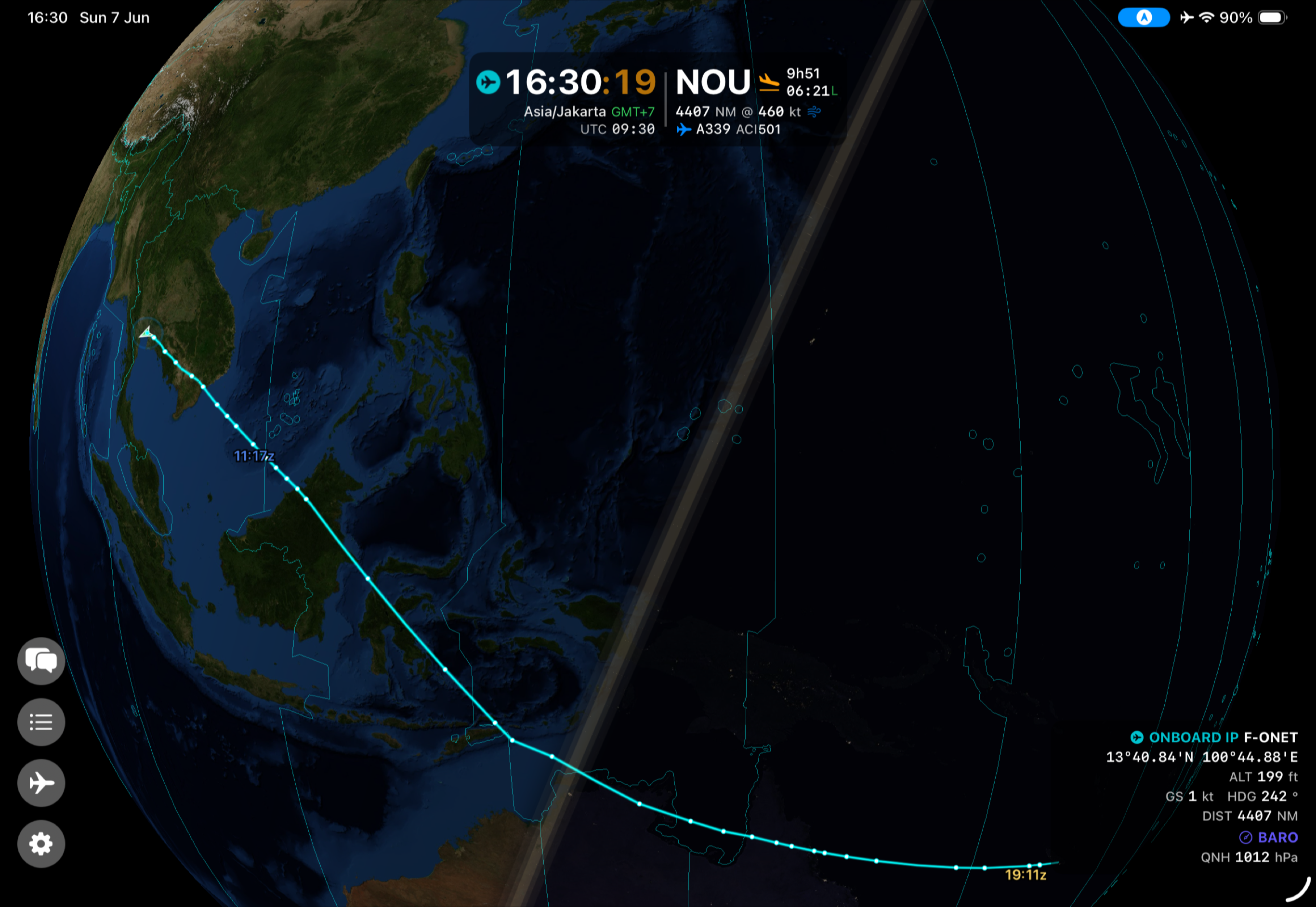
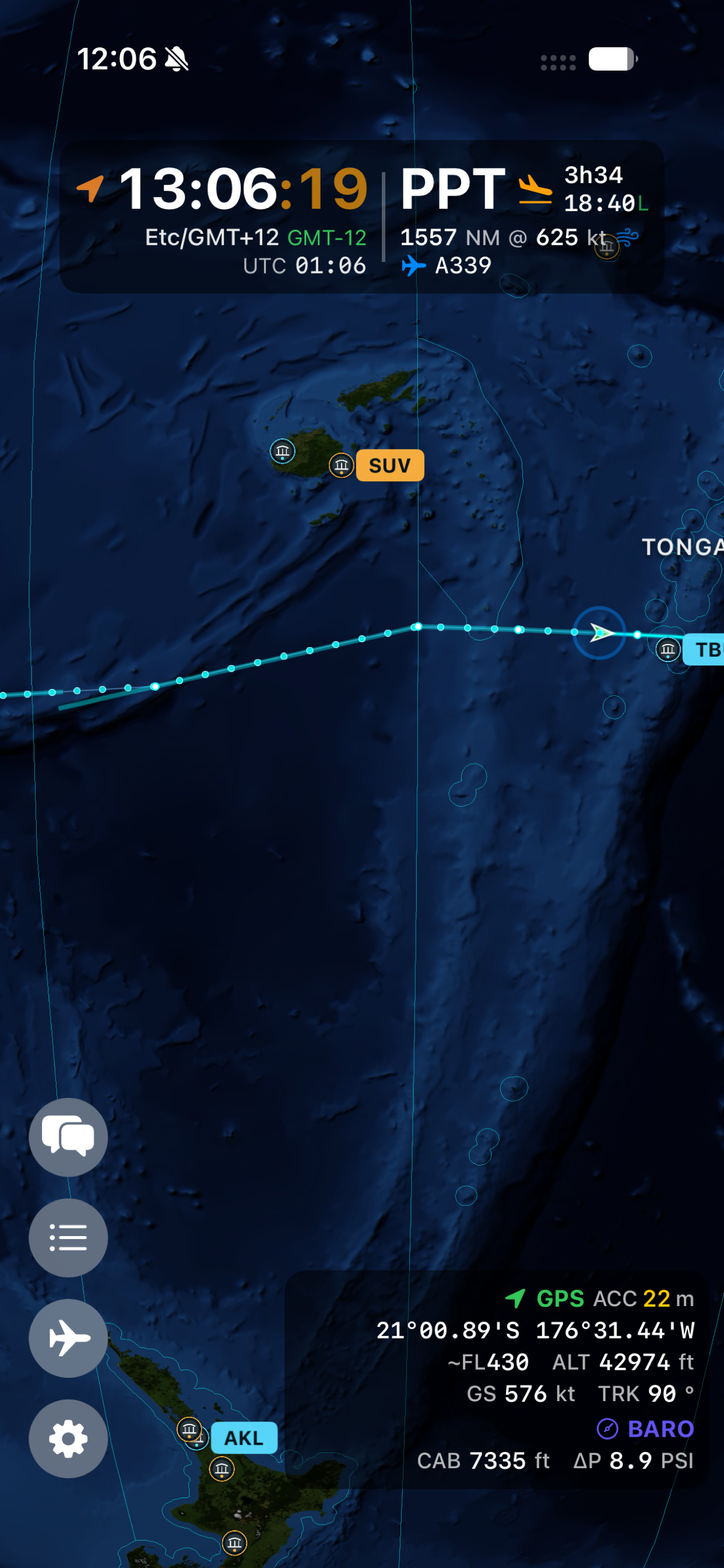
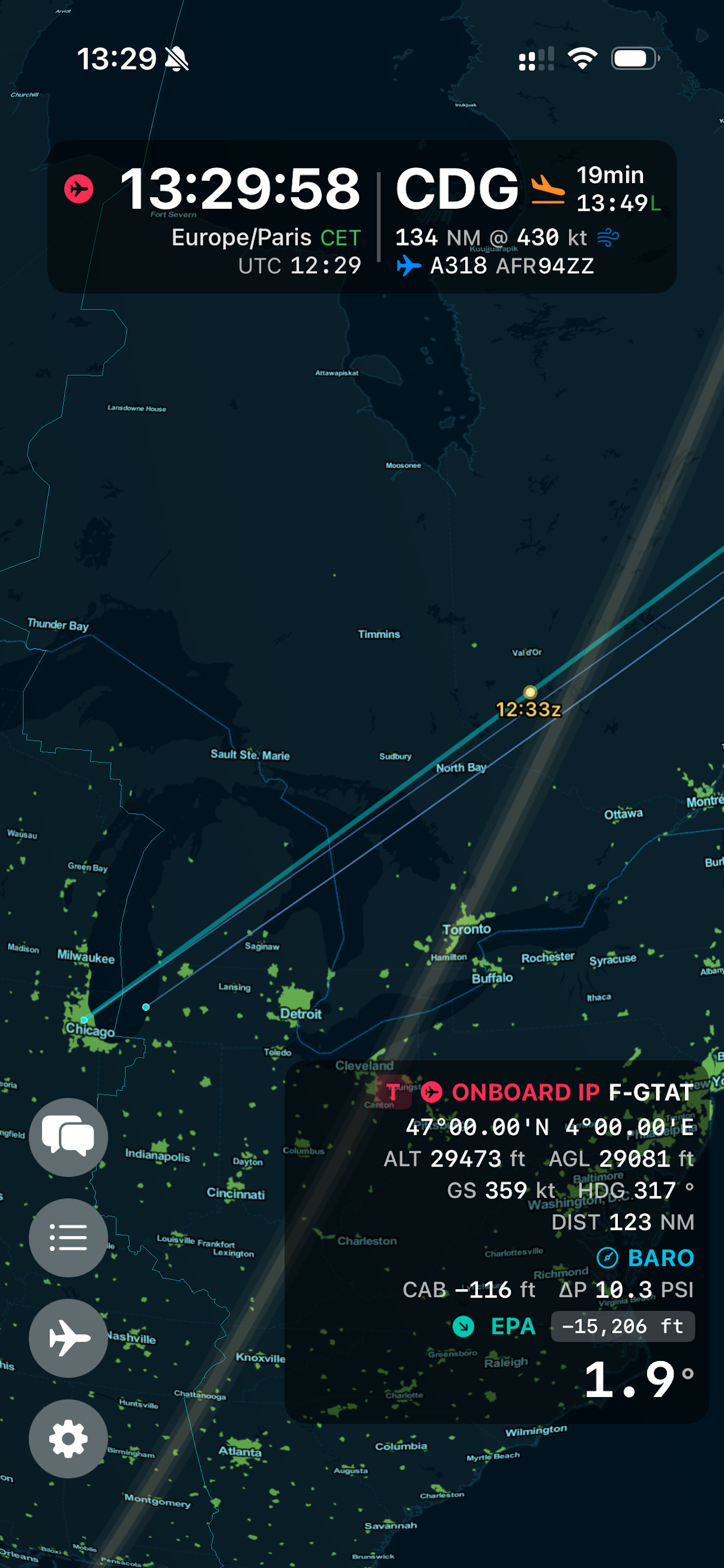

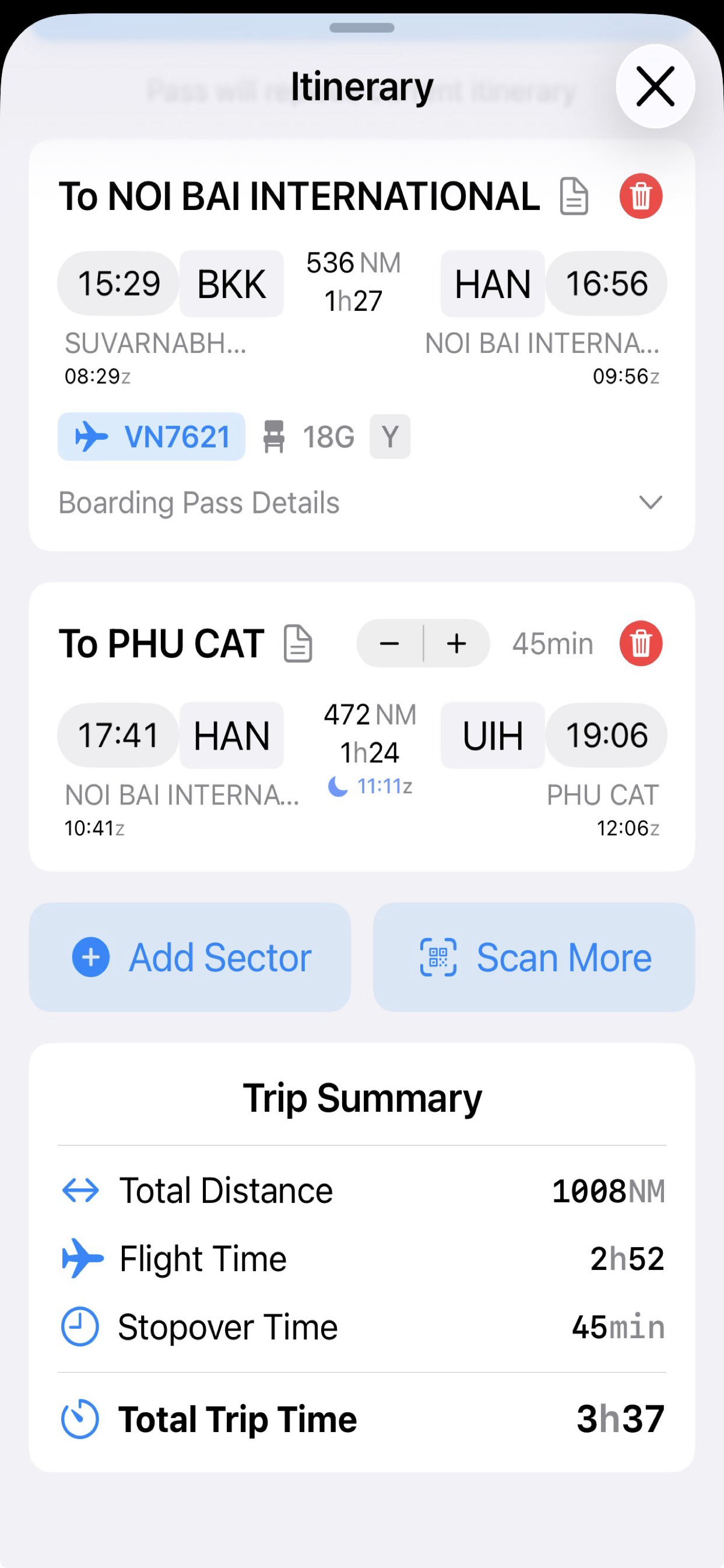
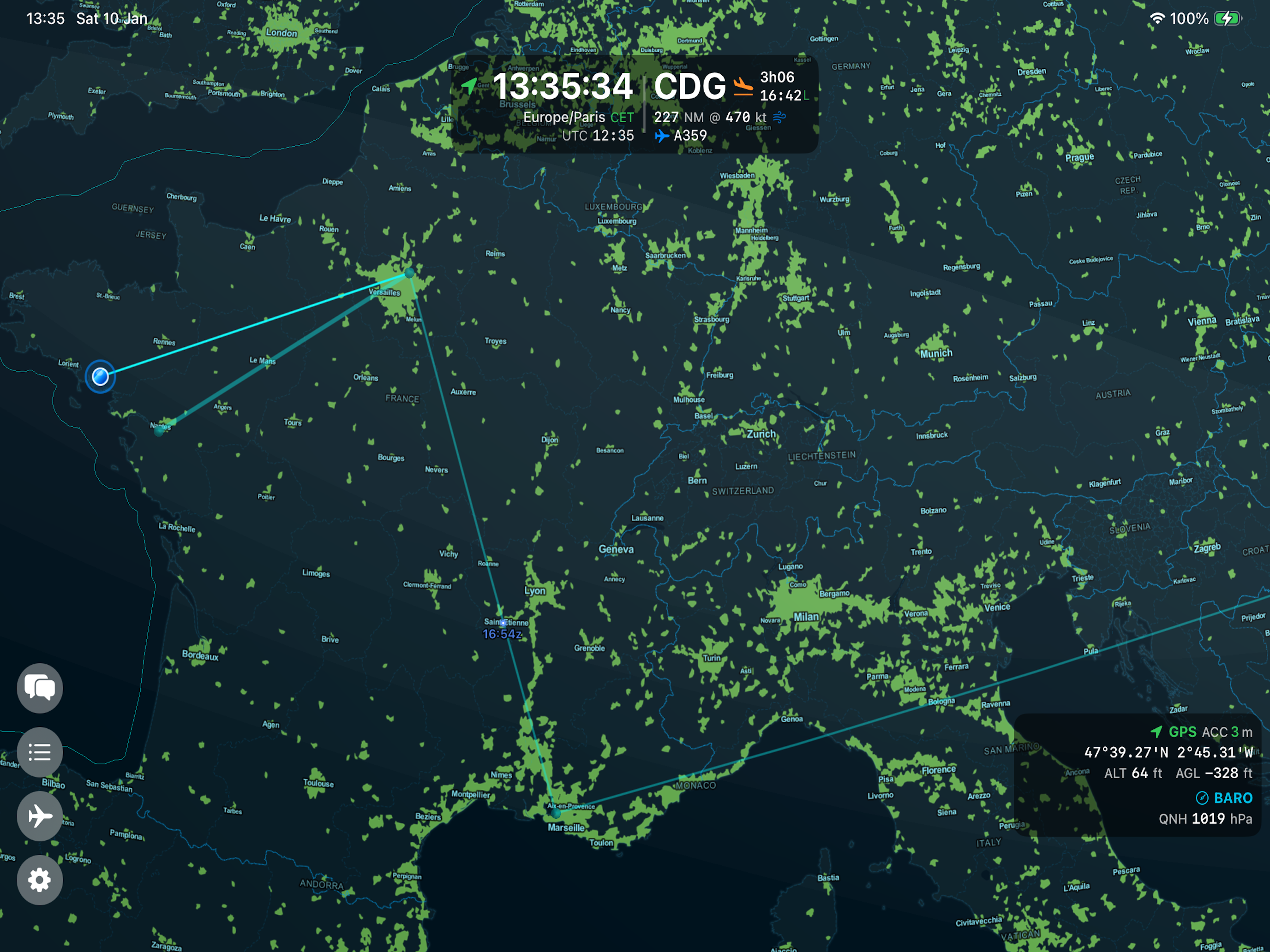
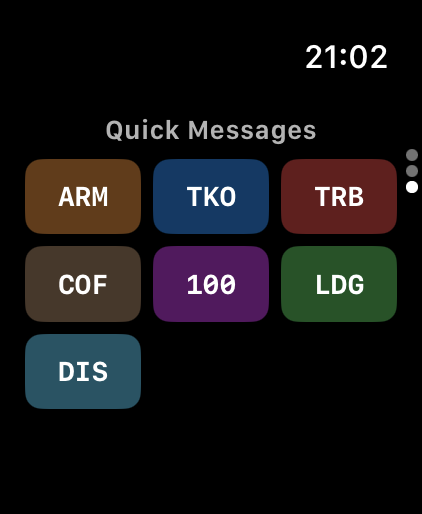
Off 2 is a flight companion app built for pilots, frequent travelers, and aviation enthusiasts who want meaningful flight data without depending on connectivity. Whether you are crossing the Pacific or flying in and out of radar coverage, Off 2 gives you a live picture of your flight without touching the internet.
The 3D globe
The centerpiece of Off 2 is a high-quality 3D globe rendering your current position, route, and the live day/night terminator. As of version 2.0 it is painted with NASA Blue Marble satellite imagery by day and Black Marble city lights by night, blending at the real terminator for a beautiful, realistic Earth. Unlike map-based apps, the globe gives you the true geometry of your flight path — great circle routes look like great circles, not distorted arcs.
What’s new in version 2.2
Version 2.2 is about the arrival time.
- A far more accurate ETA — the estimate models the entire flight, including the step climbs an aircraft makes as it burns off weight at cruise, and is calibrated against real flown routes. Across 21 recorded flights its average live error fell by 29%, and it no longer jumps when groundspeed changes.
- Early-descent detection — if the aircraft starts down well before the planned top of descent, Off 2 detects the sustained descent and rebuilds the remainder of the flight from your actual position.
- Short flights count down properly — under roughly 400 NM the countdown could stall minutes above zero and then snap to the gate. It now counts all the way down at any sector length; long-haul behaviour is unchanged.
- A steadier Live Activity — the Lock Screen and Dynamic Island arrival time stays anchored to when the value was measured instead of creeping later while the aircraft feed is quiet.
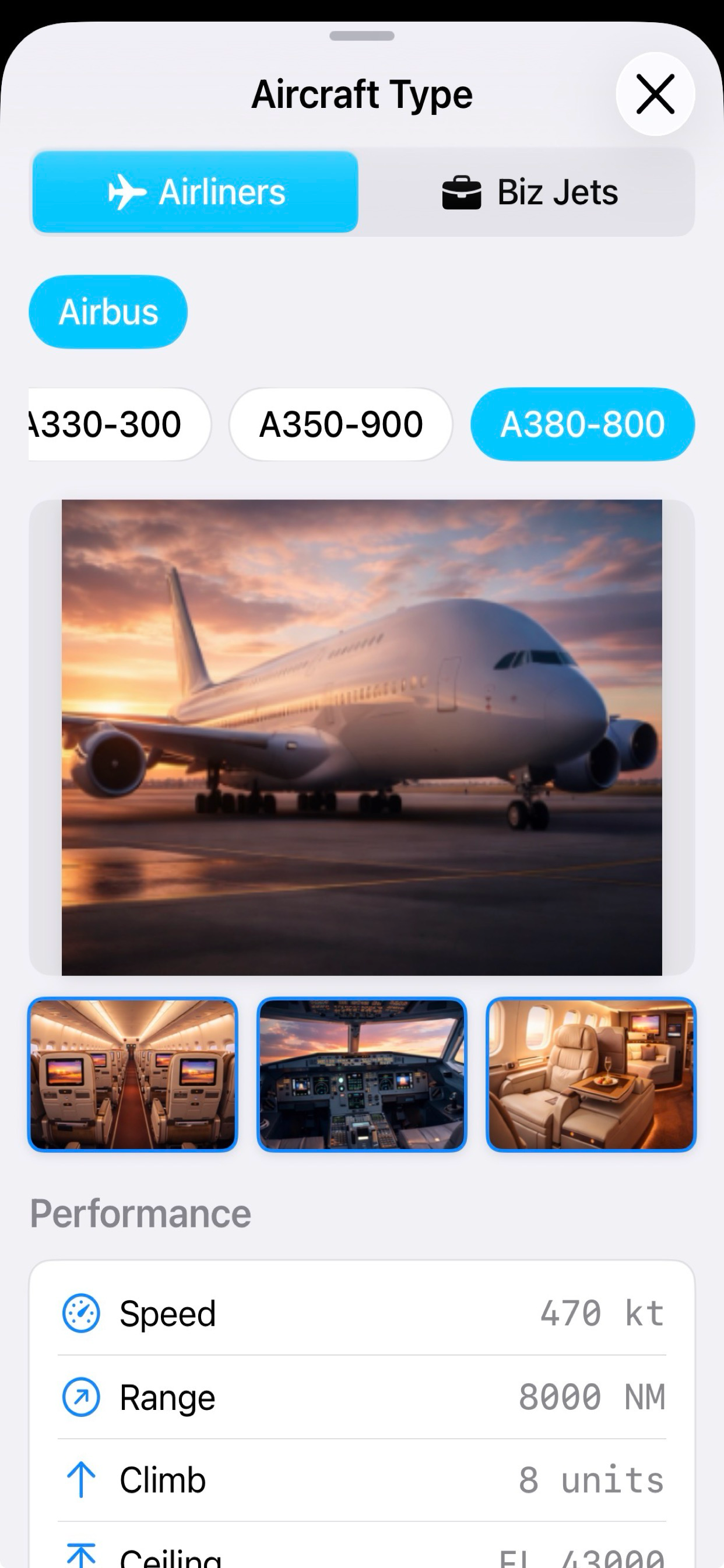
- Automatic setup on board — connect to the cabin wifi and Off 2 fills in your departure and arrival and identifies the aircraft from its registration.
- A clearer aircraft marker — bigger, and always drawn on top, so airport icons and labels never hide it.
What Off 2 shows
- Position: Continuous GPS-based tracking updated in real time
- ETA and distance: Dynamic, FMS-style calculations as your flight progresses
- Airports on zoom: Runway length, elevation, and aircraft suitability at appropriate zoom levels
- Day/night crossings: Real-time terminator with crossing time predictions
- Local & UTC time: Clear local and UTC time, with a day indicator when you cross the International Date Line
- Route visualization: See where you’ve been and where you’re going on the globe
Apple ecosystem
Off 2 runs natively across the Apple ecosystem:
- iPhone and iPad — full interactive globe experience
- Mac — native macOS app, same capabilities
- Apple Vision Pro — spatial computing interface
- Apple Watch — flight complications (ETA, distance) added in v1.6; aircraft WiFi integration added in v1.4
Who uses Off 2
Pilots who want a clear offline picture of their own flight. Frequent travelers curious about their route geometry. Anyone who wants real data rather than an airline’s entertainment screen map.
Frequently asked questions
Does Off 2 require an internet connection?
No. Off 2 is fully offline. The NASA globe imagery, position tracking, ETA calculations, airport data, and day/night crossing display all work without any network connection — ideal for long-haul flights with limited or no connectivity.
How does Off 2 track position without internet?
Off 2 uses the device's GPS receiver and onboard sensors. No external data source is needed.
How accurate is the arrival time?
The estimate models the whole flight — climb, step climbs at cruise, and descent — and is calibrated against routes that were actually flown rather than idealised great circles. Measured across 21 recorded flights, the average live error is 29% lower than the previous model and every final error came in within three minutes. It also detects a sustained early descent and rebuilds the remainder of the flight from your real position.
What is the NASA Blue Marble globe?
In version 2.0 the globe is rendered with NASA Blue Marble satellite imagery on the day side and Black Marble city lights on the night side, blending right at the real day/night terminator — a realistic Earth that updates as you fly. All imagery is bundled, so it works fully offline.
Can I see airport information?
Yes. Zoom in and airports reveal their runway length, elevation, and suitability for your aircraft, with color-coded markers. You can choose the runway-length unit (feet, meters, NM, or statute miles) in Settings.
Is Off 2 available on Apple Watch?
Yes. Apple Watch support (added in v1.6) includes flight complications, so you can glance at ETA and distance without reaching for your phone.
What is the day/night crossing feature?
Off 2 renders the current day/night terminator line on the globe in real time, showing you exactly when your flight will cross from day into night or vice versa — useful for planning sleep and managing fatigue on long sectors.
How does Off 2 handle time zones and the date line?
Off 2 shows your local time and UTC together, derived from your GPS position. Over open ocean it labels the zone as a clear UTC offset (for example UTC-12) that matches the abbreviation, and a small +1 or -1 indicator appears when your local date differs from UTC — so crossing the International Date Line is never confusing.